VIRTUAL TRY-ON FOR SHOPIFY
Their photo.
Your clothes.
Let shoppers picture themselves in your collection. Add a personal outfit preview to your Shopify product page, with a direct path back to the cart.
7 days free. Plans from $19/month.
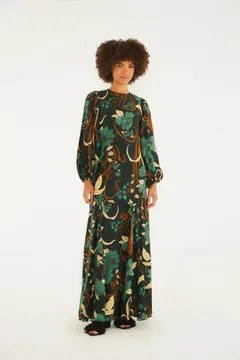
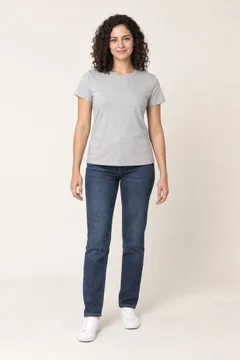
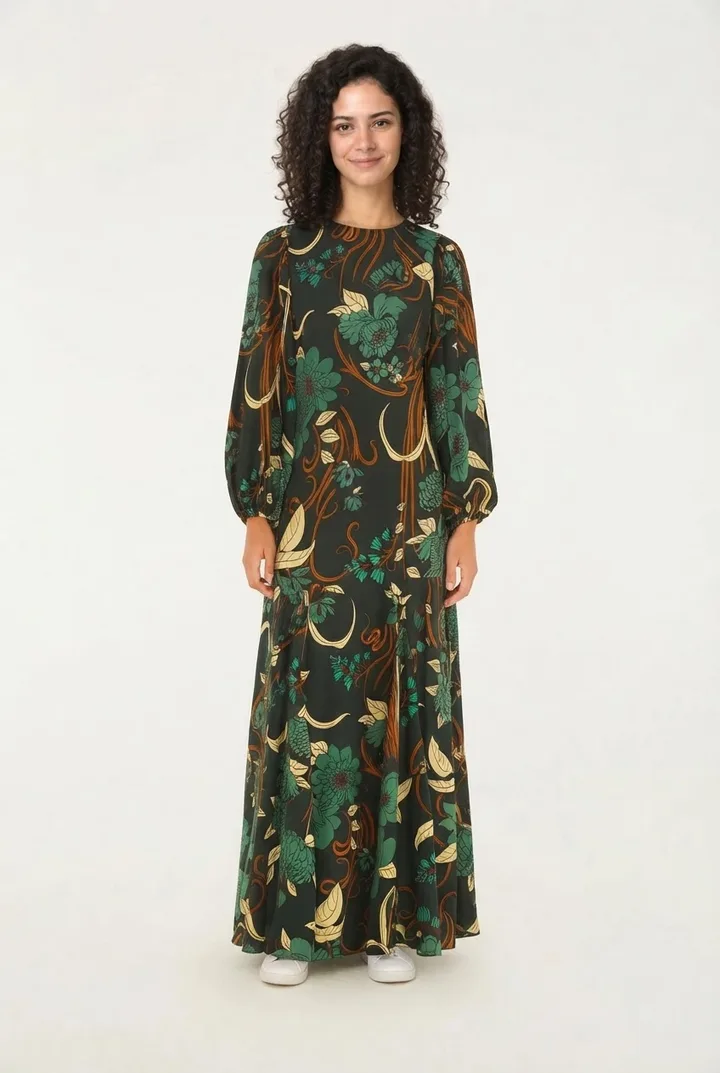
ON YOUR PRODUCT PAGE
A preview. Then their next step.
Choose a garment.
Shoppers open Wearbly from a product page. Your existing catalog images provide the garment.
Make it personal.
They upload their photo and generate a preview of themselves wearing the selected item.
Keep shopping.
They choose a size and color, then add the selected variant to their cart in the same flow.
SEE THE SHOPPER EXPERIENCE
From product page to personal preview.
Real Shopify demo. AI-generated sample photo. Generation time shortened.
MADE FOR YOUR STOREFRONT
Your catalog.
Your Shopify theme.
Add Wearbly using your theme’s app blocks. For older or custom themes, follow the manual integration guide.
See how shoppers use it.
Track try-on activity and subsequent cart actions in your dashboard. See the observed results from one Shopify store and how we measured them.
Explore the store results →An image preview, not a size recommendation.
Wearbly shows how an outfit may look. It does not measure a shopper or guarantee fit. Keep your size chart available to help them choose.
TWO SOLUTIONS. ONE APP.
One app. Your Shopify storefront and catalog.
Every plan includes Shopify storefront try-ons and product photos. Successful images share the same credit allowance.