AI PHOTOS FOR YOUR SHOPIFY PRODUCT PAGES
Product photos.
For your Shopify store.
Open a product in Shopify, turn its garment image into model photos, and add approved results to its gallery. Reuse an existing model photo across SKUs with Try-On.
Included in every plan. One successful image uses one shared credit.
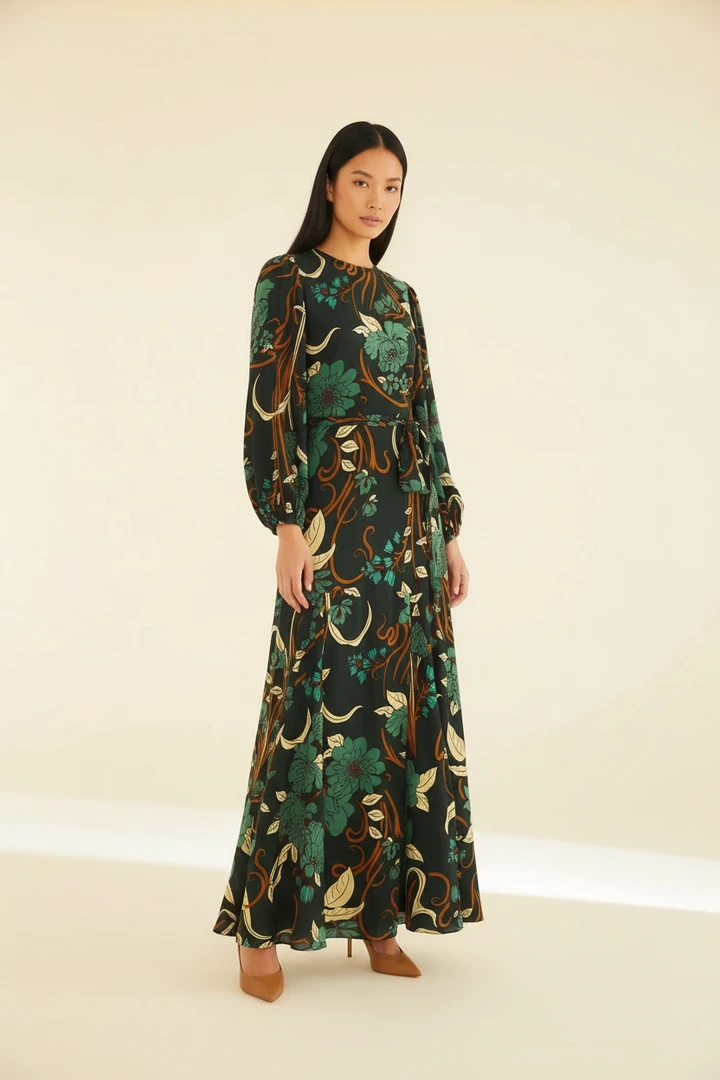 CREATED WITH WEARBLY
THE NEW COLLECTION
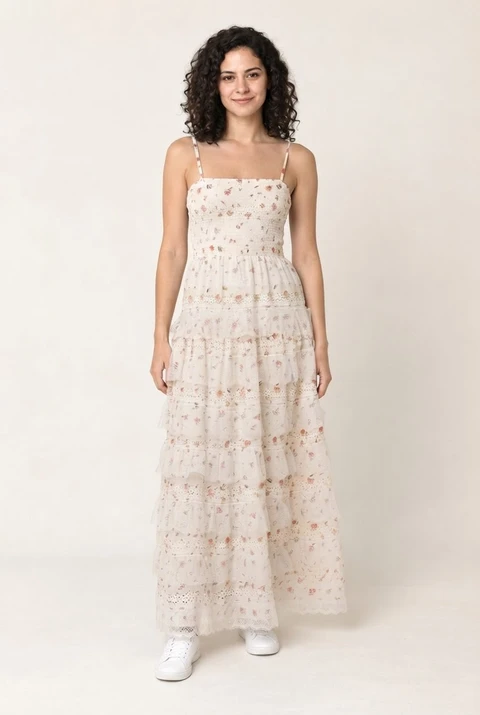
Botanical print dress
$129.00
A closer look at how it wears.
Size
Your new photos live in the product gallery shoppers already use.
A LOOK INSIDE
More product photos. Fewer reshoots.
Two workflows inside your Shopify product editor.
Real results and Shopify captures. Edited walkthrough with AI-generated sample models.
PRODUCT TO MODEL IN SHOPIFY
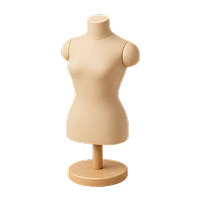
Start with a flat lay.
Show how it wears.
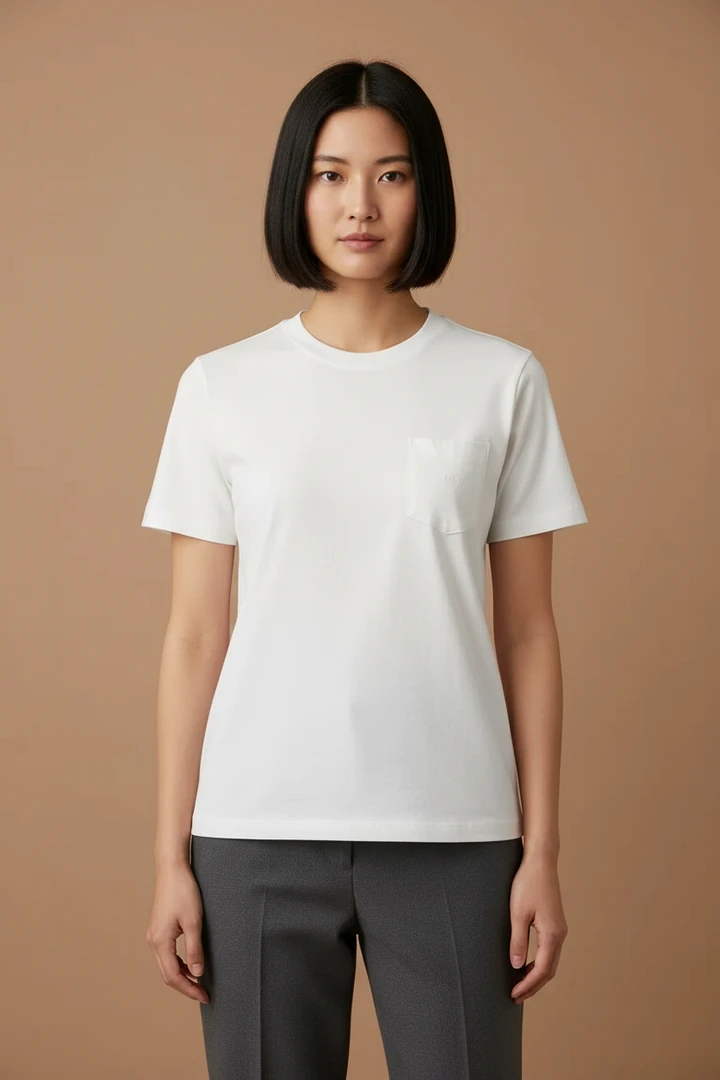
Use a flat lay from your Shopify product’s images. Create model photos, review the details, then choose Add to product to put the results in that product’s gallery.
TRY-ON FOR YOUR SHOPIFY CATALOG
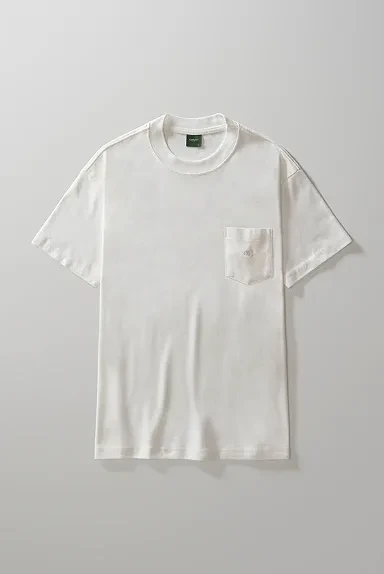
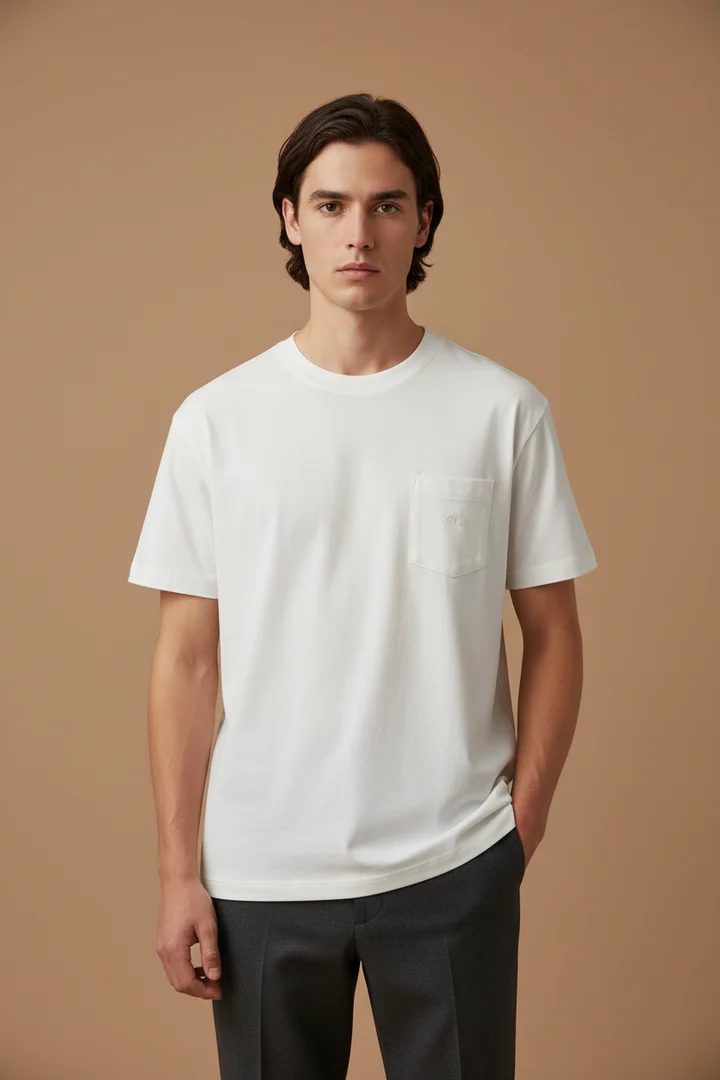
One model photo.
More of your collection.
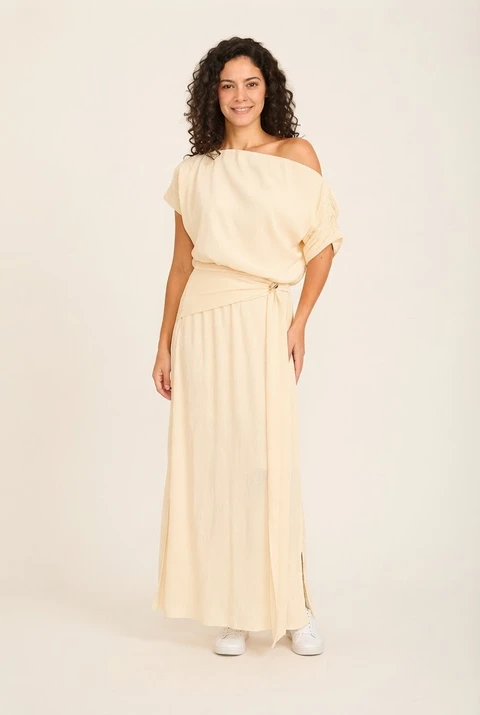
Have a model photo you already love? Reuse it with different products in your Shopify catalog, without a new shoot for every garment.
Open each product in Shopify, upload the same model photo, generate, review and add the result to its gallery.
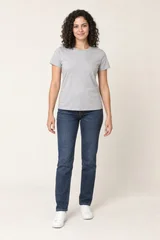 Your existing model photo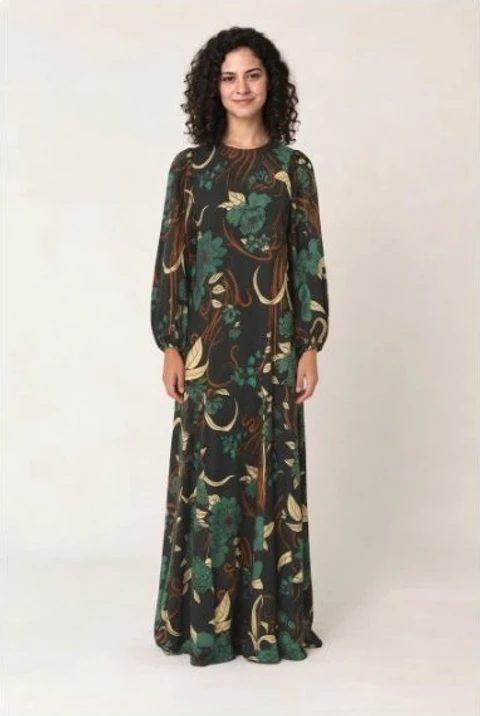
IN YOUR EXISTING WORKFLOW
Create. Review. Add.
Open a product
In Shopify, choose More actions → Wearbly Image Edit.
Create your image
Select a garment and a mode. For Try-On, upload your model photo.
Add it to your product page
Check the color, print and details. Choose Add to product when you’re happy.
ALREADY IN YOUR PLAN
One allowance.
More ways to use it.
Product photos and shopper try-ons share your plan credits. Each successful image uses one credit. Failed generations use none.
On usage-based plans, the same additional-use rate applies when your included credits run out.
Compare plans →